 Sruk
SrukImage viewer for Windows · 0.9.6
Glide through
your photos.
Opens instantly. Flips without the wait.
An image viewer built for looking, flipping and picking.
2.1 MB · Windows 7–11 · 64/32-bit · installer or portable
 sample-02.jpg — Sruk
16%
sample-02.jpg
sample-02.jpg — Sruk
16%
sample-02.jpg
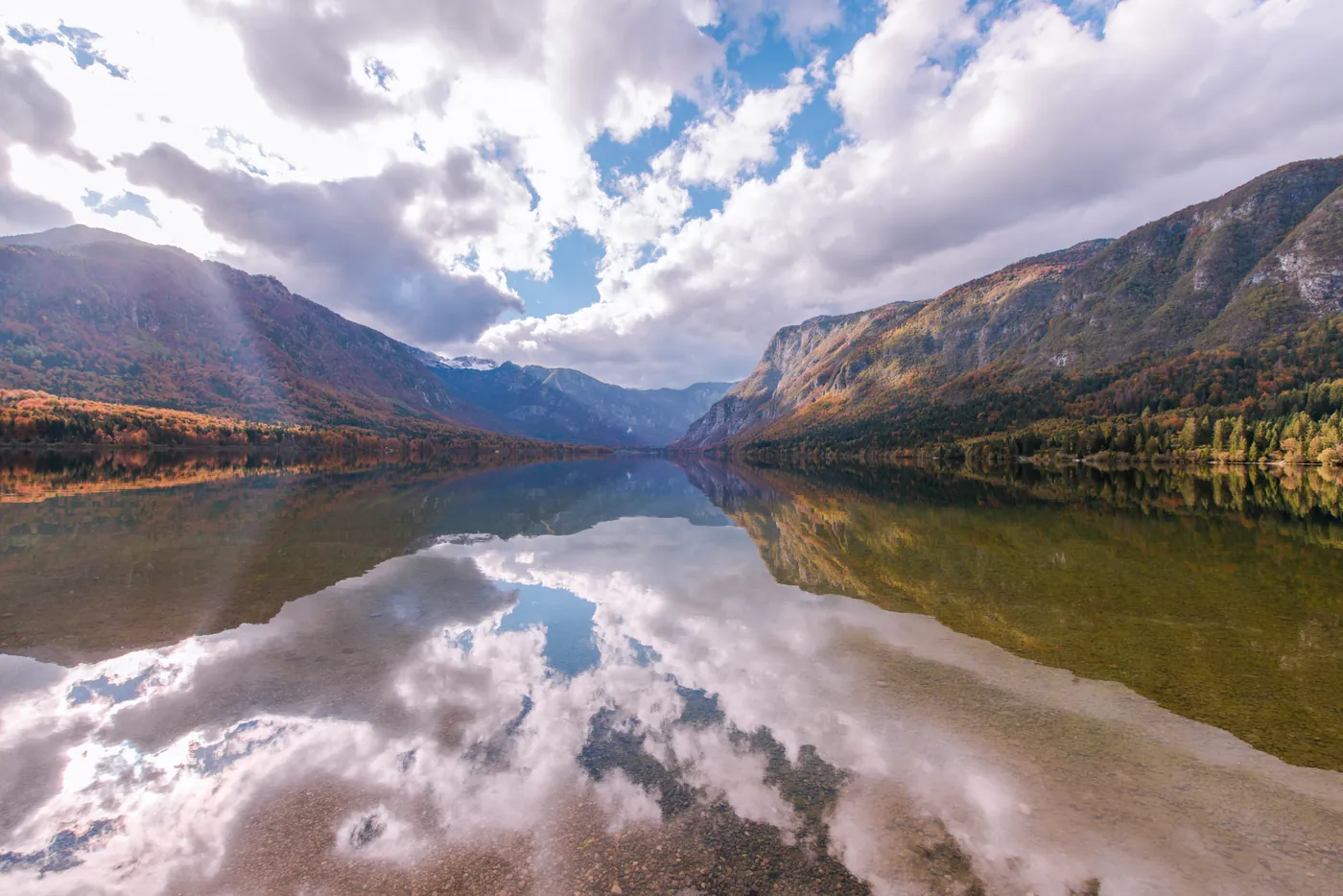
 2 / 127327 × 489016.6MBJPG
Sort: Date modified ↑ (S)
2 / 127327 × 489016.6MBJPG
Sort: Date modified ↑ (S)
Flip with ←→ or click the filmstripSwipe the photo to flip through
No waiting
between photos.
The next and previous photos are decoded ahead, so the next one is already there. One 2.1 MB executable, with no runtimes or plugins to install.
JPG · PNG · WebP · AVIF · HEIC · GIF/APNG · TIFF · BMP · camera RAW
Keep only
the keepers.
Select in the thumbnail grid and tag with T. Delete, move and copy each take one key, and Ctrl+Z undoes the last 20 actions.
RAW+JPG pairs move together as one photo.
Watch photo culling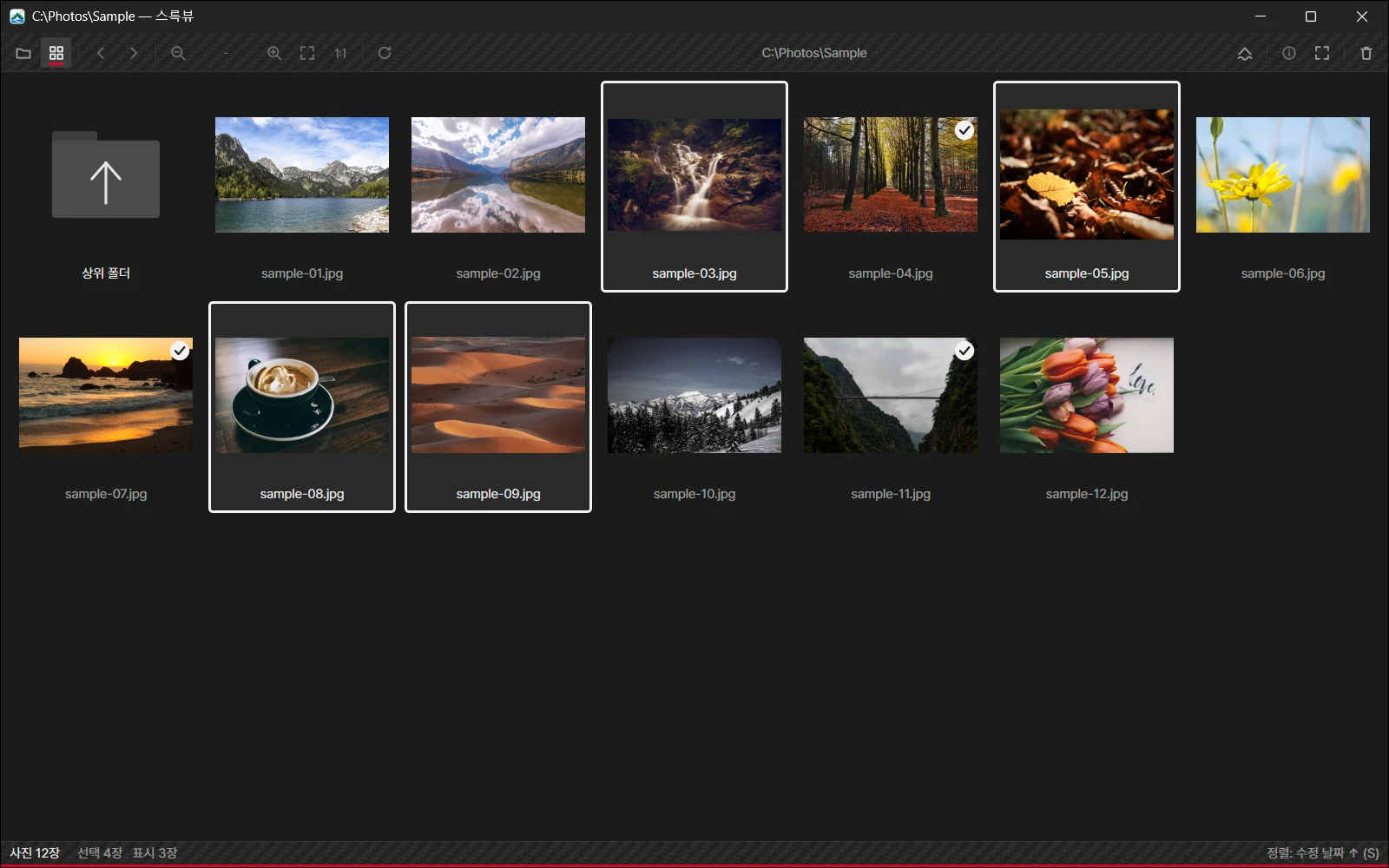
Shot details,
off to the side.
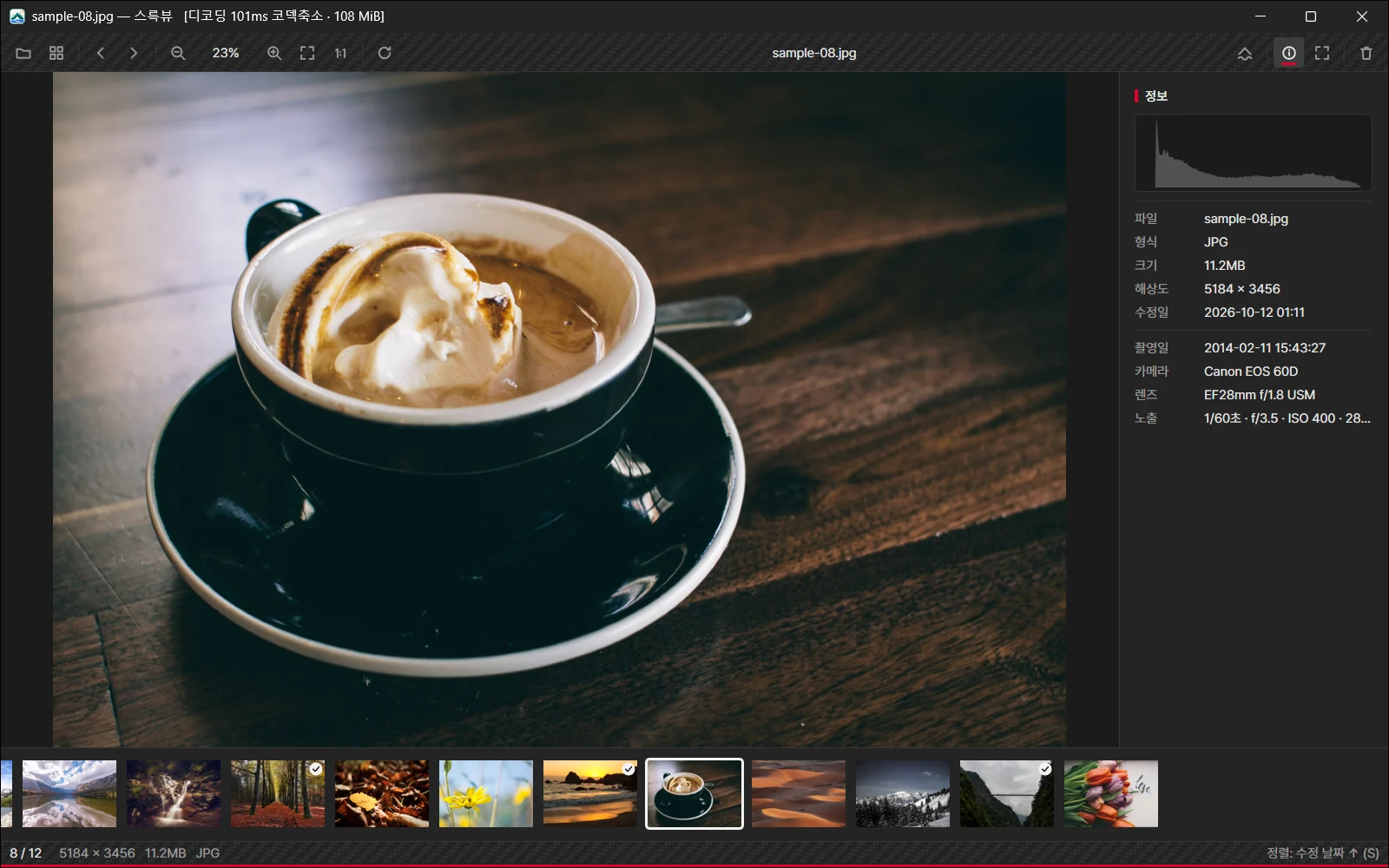
Histogram, camera, lens and exposure in one panel. Every action takes up to three shortcuts of your choice.
Rarely found in an image viewer
Your reference,
right beside your work.
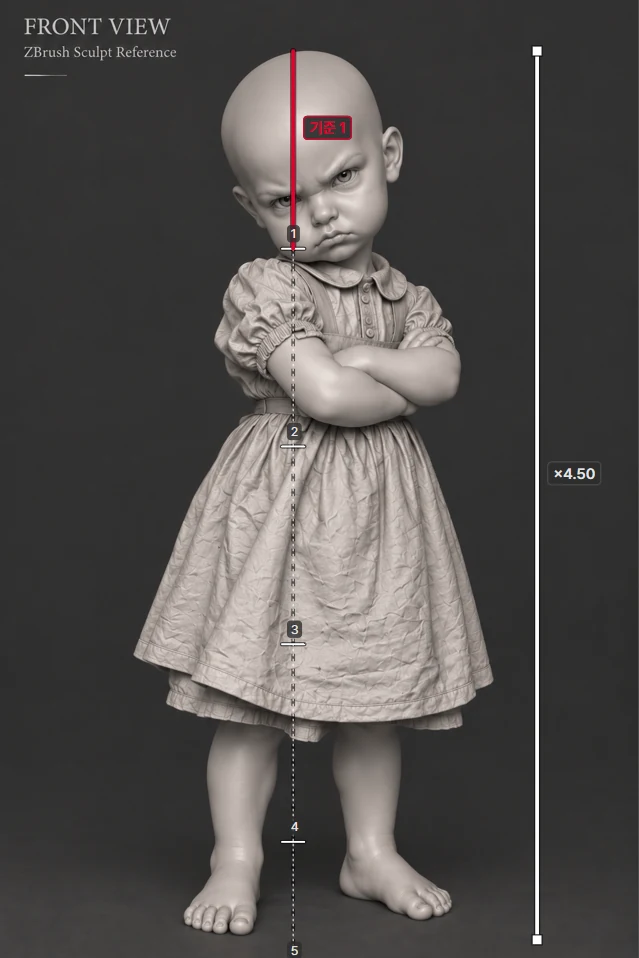
Float a small window over your drawing or modeling app. Make it see-through and let clicks pass to the app behind. Proportion measure takes your first line as 1 and shows every next line as a multiple.
- PAlways on top
- Ctrl MMini window
- []Opacity
- Ctrl Shift PClick-through
- HMirror
- GGrayscale
- LGuides
- KEyedropper
- UMeasure
- NRepeat ticks
Still being refined.
All release notes- 1.0In progress
- 0.9.6Reference view, proportion measure
- 0.9.4Undo, F2 rename, lossless JPG rotation, WebP · AVIF · HEIC
- 0.9.2Windows 7 · 8 and 32-bit
- 0.9.1First release
Free to download.
- Version
- 0.9.6
- Size
- 2.1 MB executable
- System
- Windows 7 SP1 – 11, 64/32-bit
- Languages
- English, Korean
- RAW
- CR2 · CR3 · NEF · ARW · RAF · RW2 · DNG
- Note
- HEIC needs the Windows HEVC extension.